Tips for Creating a Comfortable and Productive Home Office Space
Creating a home office that is both comfortable and productive is essential for anyone working remotely or spending significant time at home on professional tasks. An effective workspace helps reduce distractions, maintain focus, and improve overall work satisfaction. Here are some practical tips to help you set up a home office that supports your daily workflow.
Choose the Right Location
Selecting the right spot for your home office is the first step toward building a productive workspace.
– Quiet and Private: Ideally, pick a room or corner away from heavy foot traffic and noisy areas to minimize interruptions.
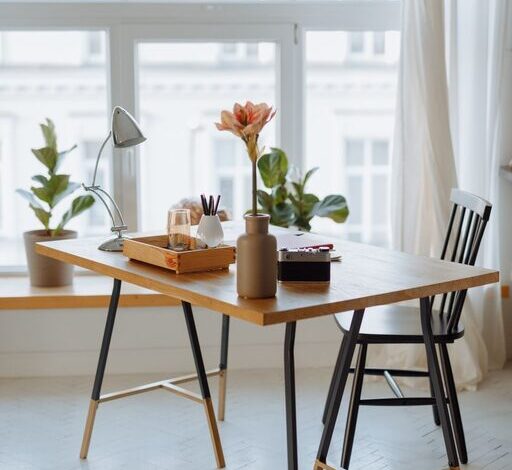
– Natural Light: Position your desk near a window if possible to benefit from natural light, which can boost mood and energy.
– Space for Movement: Ensure there is enough room for your desk, chair, and storage, allowing you to move comfortably.
Invest in Comfortable Furniture
Comfort is key when you spend hours working.
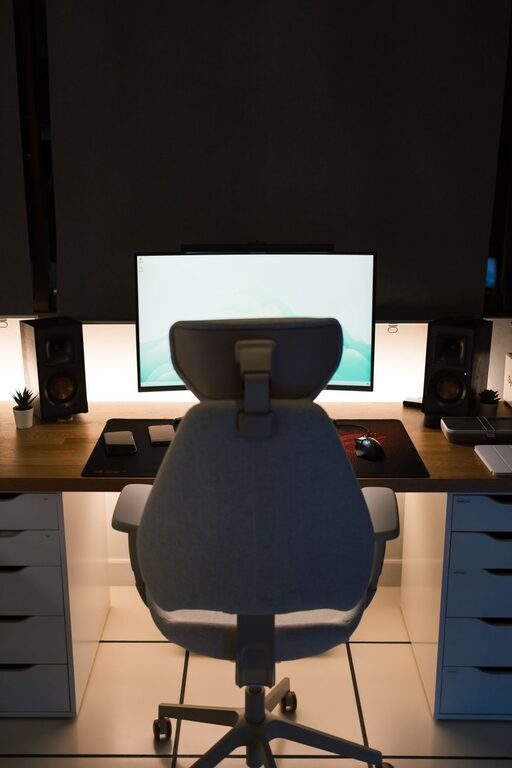
– Ergonomic Chair: Choose a chair that supports your back well, offers adjustable height, and allows your feet to rest flat on the floor.
– Appropriate Desk: Your desk should be at a height that keeps your wrists straight while typing and allows your elbows to be close to your body.
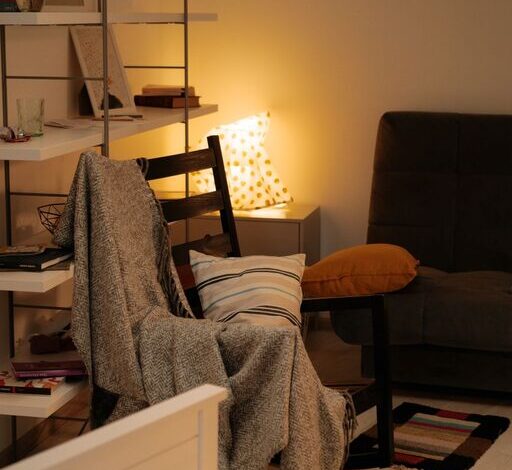
– Extra Seating: If space allows, consider adding a small couch or chair for reading or brainstorming away from your desk.
Optimize Lighting
Good lighting reduces eye strain and keeps you alert throughout the day.
– Use Natural Light: As mentioned, natural daylight is best. Position your screen to avoid glare.
– Task Lighting: A desk lamp with adjustable brightness helps when working into the evening or on detailed projects.
– Ambient Lighting: Soft overhead lighting complements task lights and helps create a well-lit, welcoming environment.
Organize Your Workspace
An organized area helps keep your mind clear and focused.
– Declutter Regularly: Remove unnecessary items from your desk and keep only essentials within arm’s reach.
– Storage Solutions: Use shelves, drawers, or filing cabinets to store documents and supplies neatly.
– Cable Management: Use clips, sleeves, or cable boxes to keep cords organized and out of sight.
Incorporate Technology Efficiently
Having the right tools helps your work proceed smoothly.
– Reliable Internet: Ensure your home office has a strong Wi-Fi signal or use a wired connection for stability.
– Essential Devices: A quality computer, headset, and printer can improve your workflow.
– Screen Setup: Consider multiple monitors or a larger screen if your work involves multitasking or design.
Personalize Your Space
Making your office a pleasant space encourages productivity and comfort.
– Decor: Add plants, artwork, or motivational quotes to create a welcoming atmosphere.
– Colors: Use soothing or inspiring colors that suit your working style; blues and greens are often calming.
– Comfort Items: A cozy rug or cushions can enhance comfort without cluttering your space.
Maintain a Healthy Work Routine
A great office setup is most effective when paired with good work habits.
– Take Breaks: Stand, stretch, or take short walks to avoid stiffness and maintain energy.
– Set Boundaries: Define working hours to separate work and personal life, even at home.
– Stay Hydrated and Nourished: Keep water and healthy snacks nearby to stay focused and energized.
Enhance Air Quality and Temperature
A comfortable environment also means good air and temperature control.
– Ventilation: Open windows whenever possible, or use air purifiers to keep the air fresh.
– Temperature Control: Use fans, heaters, or air conditioning to maintain a comfortable temperature year-round.
—
By carefully planning your home office space and incorporating these tips, you can create an environment that supports your productivity and well-being. Remember, your workspace should reflect your needs and preferences, making it a place where you can work comfortably and efficiently every day.